Call of Duty: Mobile – Garena
Screenshots

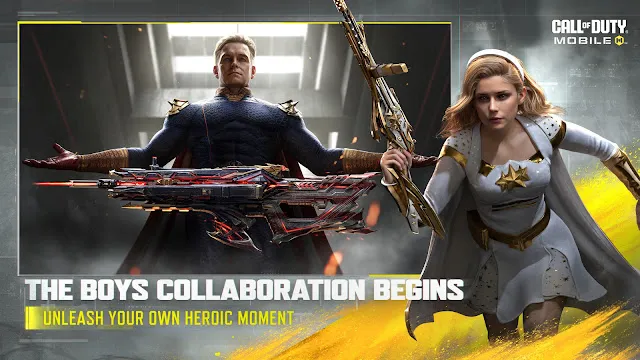
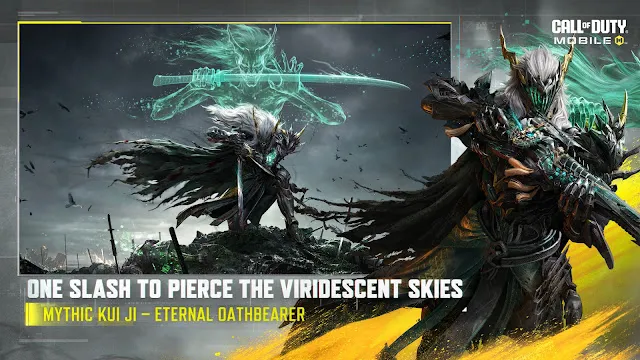
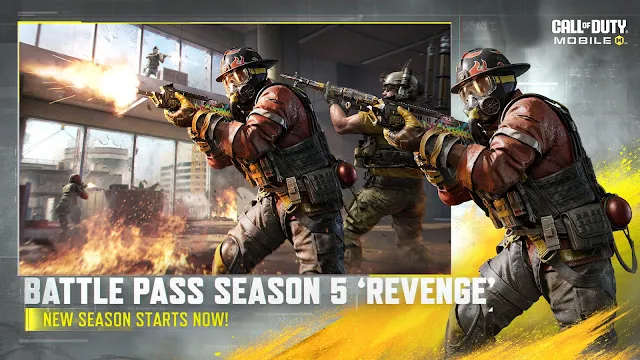
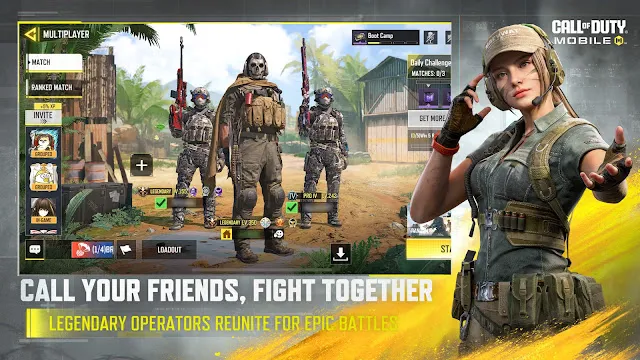
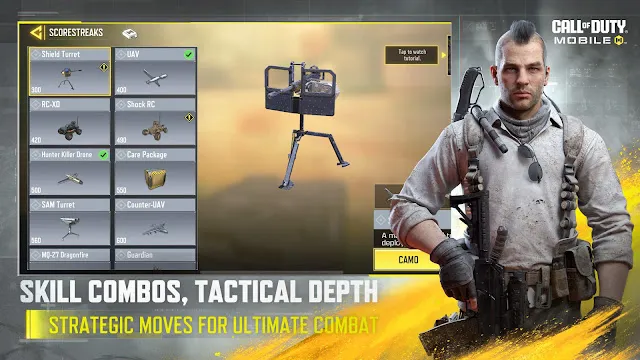
Call of Duty: Mobile – Garena provides a thrilling first-person shooter experience on mobile devices. This specific version caters directly to players in Southeast Asia. It combines classic maps, familiar weapons, and intense combat modes into one portable package. Millions of players download Call of Duty: Mobile – Garena to test their shooting skills daily.
Furthermore, the game receives frequent updates from Garena. These updates add fresh content and keep the community active. You can play quick matches or jump into a massive battle royale. Consequently, Call of Duty: Mobile – Garena remains a top choice for fans of action games.
Understanding how this version works can improve your gameplay. Therefore, this guide covers the core features, performance tips, and gameplay modes. Let us dive into the details of this popular shooter.
What is Call of Duty: Mobile – Garena?
Call of Duty: Mobile – Garena is the official Southeast Asian edition of the famous franchise. Garena publishes this variant instead of Activision. However, it contains the same core gameplay mechanics as the global edition. The main difference lies in regional events, local servers, and specific monetization methods.
Additionally, this game groups players from countries like the Philippines, Malaysia, Singapore, Thailand, and Indonesia. Local servers ensure lower latency during matches. As a result, players enjoy smoother connections and fewer lag issues.
The game gives you access to legendary maps from previous console titles. For example, you can fight on Nuketown, Crash, and Firing Range. These maps look great and load quickly on modern devices.
How to Optimize Call of Duty: Mobile – Garena for Better Performance
Smooth performance is vital for winning competitive multiplayer matches. Therefore, you must configure Call of Duty: Mobile – Garena properly to avoid frame drops. First, look at the graphic settings inside the main menu.
You should balance visual quality and frame rate. For the best competitive edge, set the frame rate to maximum. Then, lower the graphic quality to medium or low. This adjustment reduces thermal throttling during long gaming sessions.
Here are a few additional tips to boost your performance:
- Close all background applications before launching the game.
- Turn on your device gaming mode to block unwanted notifications.
- Clear the cache file of the game regularly through your device settings.
- Ensure you have at least 5 gigabytes of free storage space.
- Use a stable Wi-Fi connection instead of unstable cellular data.
Following these simple steps keeps Call of Duty: Mobile – Garena running smoothly. Consequently, you will notice faster load times and more responsive touch controls.
Exploring the Multiplayer Modes in Call of Duty: Mobile – Garena
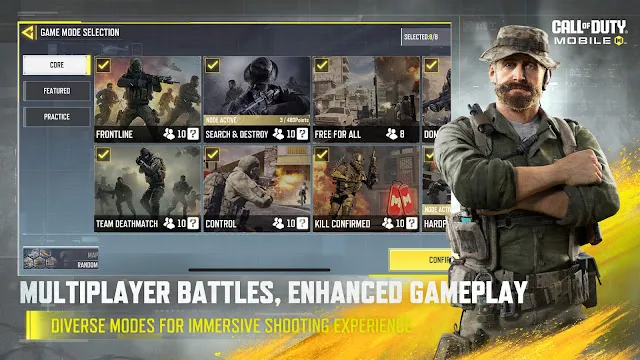
Multiplayer is the heart of Call of Duty: Mobile – Garena. It offers quick, fast-paced matches that last around ten minutes. You can choose from several permanent and rotating game modes. Each mode requires a unique tactical approach and specific loadouts.
Team Deathmatch is the most straightforward option. In this mode, your team must eliminate enemies to reach a score limit first. Meanwhile, Domination requires you to capture and hold three distinct control points on the map.
Search and Destroy offers a highly competitive experience with no respawns. One team tries to plant a bomb while the other defends. Therefore, communication with your teammates becomes absolutely essential in this mode.
Finally, Frontline gives you a fixed spawn point. This setup prevents enemies from appearing behind your team unexpectedly. Exploring these modes helps you find your favorite playstyle quickly.
Tips to Win the Battle Royale in Call of Duty: Mobile – Garena
The battle royale mode drops one hundred players onto a massive map. You must survive against everyone else while a deadly circle shrinks over time. Landing in the right spot can determine your success early in the match.
First, look for high-tier loot zones on the map. These areas contain better weapons, armor plates, and weapon attachments. However, these zones also attract many enemy players right away. If you prefer safety, land in quieter, unmarked locations instead.
Second, master the class system before you jump from the plane. Each class offers a unique active skill and a passive perk. For instance, the Scout class reveals enemy locations on the mini-map. Alternatively, the Medic class heals injured teammates quickly.
Third, always prioritize high ground during the final circles. Towering hills and tall buildings give you a massive sight advantage. From there, you can spot and eliminate enemies easily.
Weapon Customization
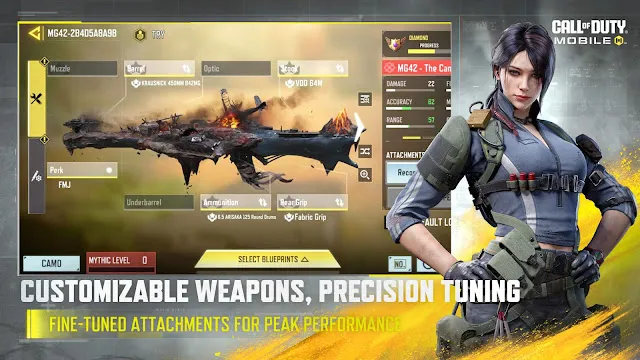
The Gunsmith system allows you to customize every weapon in your inventory. You can alter how a gun behaves by changing its attachments. This feature lets you tailor weapons to your exact playstyle.
Each weapon has five attachment slots available at one time. You can choose from barrels, stocks, optics, lasers, and ammunition types. For example, a silencer hides your position on the enemy radar. A larger magazine lets you fight multiple enemies without reloading.
However, every attachment carries a specific penalty. A heavy barrel increases your range but slows down your movement speed. Therefore, you must balance the pros and cons of each piece.
Experimenting in the training mode is the best way to test new builds. You can shoot targets to check the recoil pattern. This practice ensures your weapon performs perfectly in real combat.
Conclusion
Call of Duty: Mobile – Garena delivers a premier shooting experience for mobile gamers. The combination of intense multiplayer modes and a massive battle royale keeps the game exciting. Regular updates ensure that fresh content arrives constantly for the community. Furthermore, the local servers provide excellent connection stability across Southeast Asia. By optimizing your settings and mastering the Gunsmith system, you can dominate the leaderboard. Download CoD Mobile – Garena today to join the global battlefield.